
Browse AI

Browse AI builds no-code robots that watch websites for changes and pull structured data into spreadsheets and workflows.
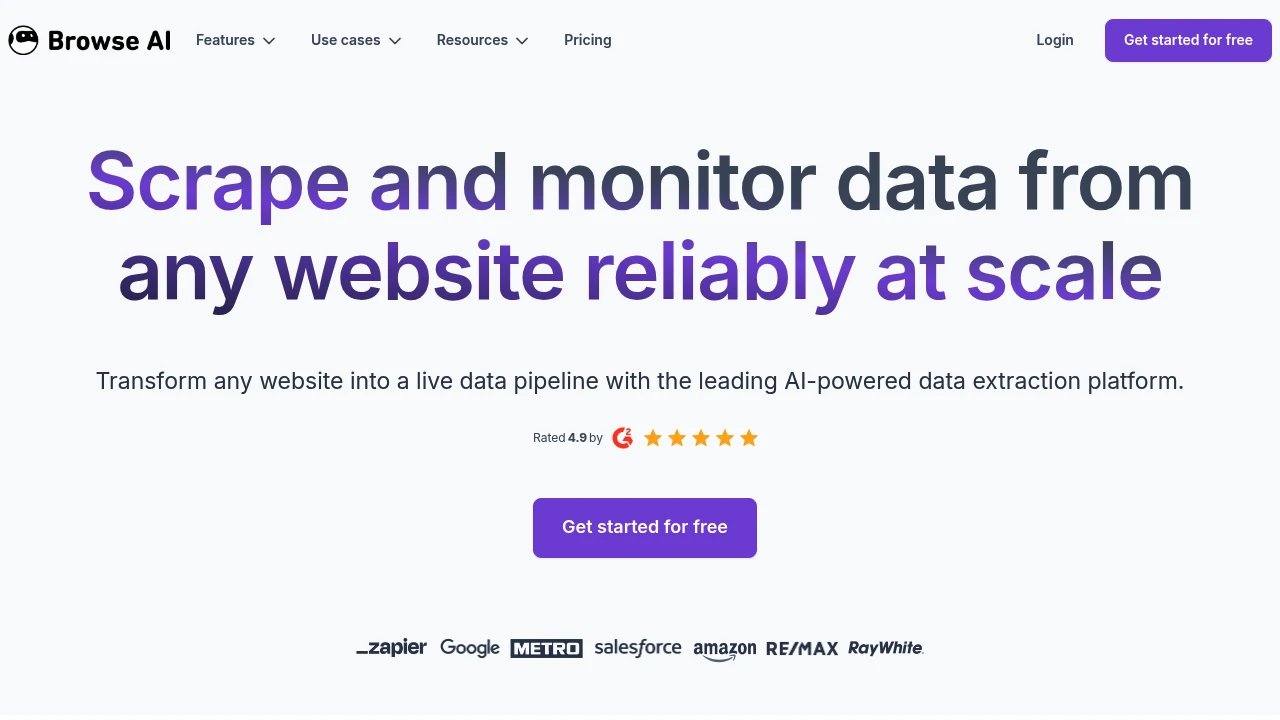
Browse AI is a no-code automation platform that builds robots to watch websites for changes and extract structured data on a schedule. It is built for sales, marketing, e-commerce, and operations teams who need fresh data without writing or maintaining code. You point and click to teach a robot what to capture, then let it run hourly, daily, or weekly and push the results into your tools.
Key Highlights
- Point-and-click robots that extract data with no coding required
- Website monitoring with alerts when a page changes
- AI change detection that adapts robots when a site's layout shifts
- 200+ prebuilt robots for common sources you can run in two clicks
- Native connections to Google Sheets, Airtable, Zapier, Make, and Pabbly
- REST API and webhooks to feed data into your own systems
What Makes It Different
The differentiator is reliability over time. Traditional scripts break the moment a site changes its layout, but Browse AI's change detection adapts the robot automatically so the data keeps flowing. Pair that with built-in monitoring, and a single robot becomes a live feed that both refreshes your dataset and alerts you when something on the page actually moves.
Features & Capabilities
You train a robot by recording your own clicks: open a page, log in, fill a form, expand a dropdown, paginate, then select the fields you want. Robots handle dynamic content, infinite scroll, and geo-specific results, and you can chain them into workflows to walk a site's pages and subpages into one unified table.
Output goes almost anywhere. Sync rows to Google Sheets or Airtable so a spreadsheet updates itself, trigger Zapier or Make automations on a change, or call the REST API and webhooks directly. Exports to CSV, JSON, and Amazon S3 are also built in.
User Ratings and Testimonials
Browse AI advertises a 4.9 out of 5 rating and serves over 770,000 users. Reviewers consistently praise how fast a non-technical person can build a working robot and the responsive support team. The main criticisms are a learning curve on trickier sites and a credit system that can run down quickly on large or frequent jobs.
Pricing & Value
- Free: $0 forever, 2 websites, 3 users, unlimited robots, full platform access
- Personal: $19/month billed annually, 5 websites, 12,000 credits/year
- Professional: $69/month billed annually, 10 websites, 10 users, 60,000 credits/year
- Premium: from $500/month with managed onboarding, custom limits, and a dedicated account manager
The free plan is enough to test real monitoring, and annual billing adds a 20% discount across paid tiers.
FAQs
It builds no-code robots that monitor websites for changes and extract structured data into spreadsheets, APIs, and automation workflows.
There is a free plan forever for 2 websites. Paid plans start at $19/month billed annually, with Premium from $500/month.
Yes. It is SOC 2 Type II certified and GDPR compliant, uses TLS encryption, and encrypts any recorded credentials with AES-256.

You might also like
 bisibility — Free beta: Track your website’s keywords, Google rankings, Search Console insights, and share of voice.


