
Filmora
Filmora is a desktop and mobile video editor for creators who want AI tools, captions, effects, and templates.
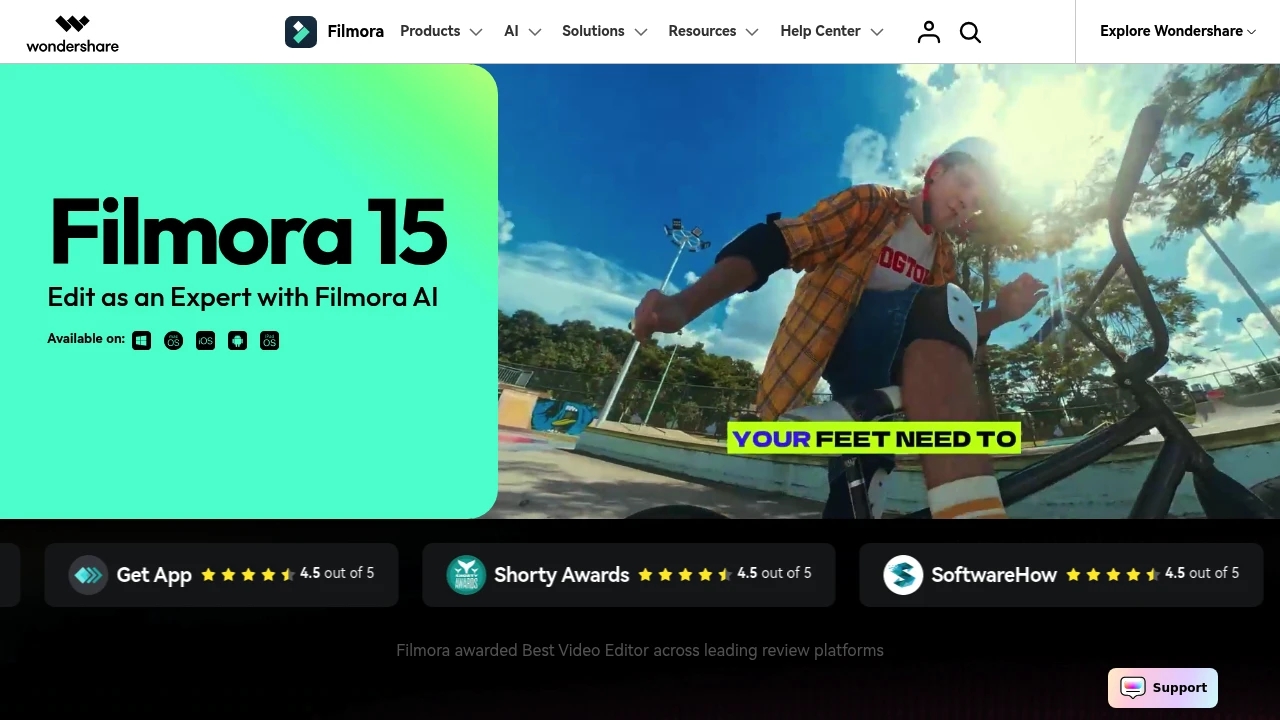
Filmora is an all-in-one video editor for desktop and mobile creators who want timeline editing, AI tools, and ready-made assets in one app. It is built for social videos, marketing clips, tutorials, and personal projects that still need motion, audio, captions, and export control.
Key Highlights
- Desktop and mobile editing across Windows, Mac, tablet, and phone
- AI tools for video, image, audio, captions, speech, and text
- Motion paths, speed control, keyframes, planar tracking, and multi-camera editing
- 2.9M+ creative assets, templates, effects, music, sound effects, and stock media on paid plans
- Direct YouTube export, social video planning, 4K export, and formats such as MP4, MOV, AVI, MKV, and MPEG
What Makes It Different
Filmora sits between simple template-first editors and heavier professional suites. Its main value is breadth: you can move from an idea to timeline editing, captions, audio work, motion, and export without switching tools.
That mix matters for creators who want drag-and-drop editing but still need dual timelines, source and sequence preview, AI color matching, screen recording, animated charts, and a large built-in asset library.
Features & Capabilities
You can build a project from imported media, screen recordings, templates, stock assets, and AI-generated material, then refine it with keyframes, color tools, speed control, transitions, titles, filters, and effects. AI features include dynamic captions, text-to-speech, speech-to-text, translation, voice cloning, music, sound effects, object removal, video enhancement, and smart short clips.
For publishing, paid plans remove the export watermark, support 4K HD export, and can export directly to YouTube. Plans also include cloud storage, AI Mate conversations, and AI credits on Advanced.
User Ratings and Testimonials
Filmora shows 4.5 out of 5 ratings from G2 Crowd, Capterra, Get App, Shorty Awards, and SoftwareHow on its homepage. Testimonials praise the clean interface, drag-and-drop workflow, templates, music, transitions, animated text, audio sync, and multi-layer editing.
The tradeoffs are mostly around plan limits and rights. Free exports include a watermark, many AI features use credits, the Perpetual license covers Filmora 15 updates only, and some AI-generated assets are not cleared for commercial use.
Pricing & Value
- Free: $0, with basic editing features and watermarked exports
- Basic: $49.99/year, with watermark-free export, 4K export, 1GB cloud storage, 2.9M+ assets, 100+ advanced features, and 500 AI Mate conversations
- Advanced: $59.99/year, with everything in Basic plus 1,000 Filmora AI credits/month, 10GB cloud storage, and continued AI feature updates
- Perpetual: $79.99 one-time payment, with watermark-free export, 4K export, 1,000 AI credits, 1GB cloud storage, and Filmora 15 updates only
The free edition is useful for testing the editor, while Advanced is the clearer fit for regular AI use.
FAQs
Free edition is $0 with watermarked exports. Paid plans are $49.99/year Basic, $59.99/year Advanced, or $79.99 perpetual.
Free exports include a watermark, some AI features consume credits, and the Perpetual plan covers Filmora 15 updates only.
Yes, it has a free edition, not open-source software. You can use basic editing and export with a watermark.
Choose Filmora when the main job is video editing with timelines, captions, audio tools, effects, and 4K export.
It is worth considering if you edit often and need watermark-free exports, 4K, assets, and AI tools. Test the free edition first.

You might also like
 bisibility — Free beta: Track your website’s keywords, Google rankings, Search Console insights, and share of voice.


