
Looka
Looka is an AI logo maker for founders who need logo files, brand kits, and marketing templates without hiring a designer.
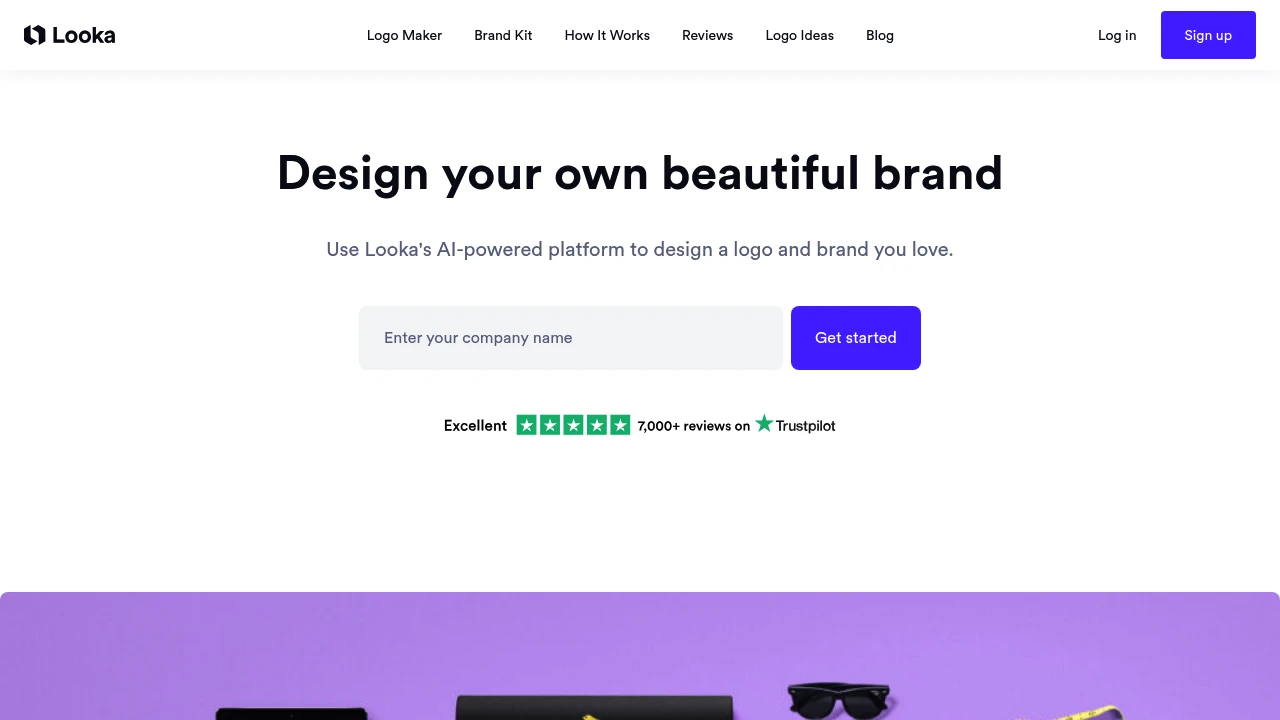
Looka is an AI-powered logo maker and brand kit platform for entrepreneurs, freelancers, and small teams. It turns a company name and visual preferences into logo concepts, then lets you adjust colors, symbols, sizing, and layout in a browser editor. Finished logos feed matching social graphics, business cards, invoices, email signatures, and basic web assets.
Key Highlights
- Generates hundreds of AI logo mockups from a business name and style inputs
- Includes an editor for colors, symbols, sizing, and logo layout
- Logo file options include high-resolution formats such as SVG, PNG, EPS, and PDF
- Brand Kit creates 300+ matching templates for social, print, and business materials
- Preview logos on merchandise, stationery, and social mockups
- Free to design and preview before choosing downloadable assets
What Makes It Different
Looka is built around the full first-brand workflow, not only a logo download. It connects logo generation, brand files, templates, social media assets, business card designs, and brand information in one flow, so a new business can keep fonts, colors, and logo usage consistent.
The practical difference is the handoff from logo to materials. Once the logo is finalized, Brand Kit uses the same colors and fonts to create ready-to-edit marketing templates.
Features & Capabilities
The core workflow starts with your company name. Looka generates logo options, lets you save designs, and gives you controls for symbols, colors, sizing, and layout. Mockups show how a mark might look on merchandise, stationery, and social profiles before choosing files.
For ongoing brand work, Brand Kit turns the logo system into 300+ templates, including social images, posts, stories, invoices, flyers, email signatures, and business cards. Logo files can include transparent backgrounds, black and white versions, color variations, and a guide to fonts, colors, and file use.
User Ratings and Testimonials
Looka does not show a clear aggregate rating in its product pages. User-facing signals emphasize easy logo generation, Brand Kit templates, and support for file access or design tweaks. The practical limitation is that downloadable logo assets and broader brand materials sit behind the buying flow.
Pricing & Value
- Free creation: generate, edit, preview, and save logo concepts before purchase
- Logo files: downloadable packages can include SVG, PNG, EPS, PDF, transparent backgrounds, black and white versions, and color variations
- Brand Kit: access can add 300+ branded templates for social, print, email signatures, invoices, flyers, and business cards
- Preview workflow: review logos on merchandise, stationery, and social mockups before choosing downloadable assets
The free creation flow is useful for testing logo directions and seeing the brand system in context before choosing downloadable files or broader brand materials.
FAQs
Canva is broader for general design work. Looka is more focused on logo creation and matching brand assets.
Use account settings for Brand Kit subscriptions, or contact Looka support if the cancellation option is not visible.
Yes. Looka uses AI to generate logo concepts from your business name and design preferences.
You can create and preview logos for free, then choose downloadable logo assets or brand materials inside the product.
Looka is used to create logo concepts, edit brand colors and layouts, download logo files, and generate matching branded templates.

You might also like
 bisibility — Free beta: Track your website’s keywords, Google rankings, Search Console insights, and share of voice.


